Everything your guests need to know. Managed in one place.
Keep your resort’s places, hours, conditions, and status in sync across your website, app, and guest channels. Create curated maps that help guests find their starting point and discover what to try next.

Spinning until 4:00 PM. 14 inches of new snow on the upper mountain.

Closed for snowmelt. Aspen Loop is dry and open all the way to the lake.

Flow Line and Ridge Run are open. Bikes load at the Village Lift until 6:00 PM.

Scenic rides until 5:00 PM. Aspen color is at its peak on the upper loop.

Your resort changes all day. Keeping every channel current takes work.
A lift goes on hold. A trail closes. Hours change. Your team repeats the update across separate tools, while guests look in different places for the latest information.


Every season,
every activity
Bring every trail, lift, golf hole, venue, and amenity into Corvar. Give your team one place to manage resort information, instead of tracking it across separate systems.
Explore Studio-

Ski resorts
Trails, lifts, ability levels,
grooming, and snow conditions. -

Golf courses
Golf holes, course details, hours,
and playing conditions. -

Bike parks
Trails, difficulty levels, riding styles,
and current conditions. -

The whole property
Pools, dining, parking, venues, and
amenities, with their hours and details.

Update once across your connected channels.
Change a place’s status in Corvar. Your live map, status page, website, and connected guest channels use the same update, so your team doesn’t have to enter it in each system.
Explore Live Status →Trail Management
Trail Status
Just now
Just now


Guest experience
Your live map
Updated 8:48 AM

summitridge.com/conditions
Live Blocks on your website
Updated
Connected messaging · 8:48 AM
Summit Ridge: Cedar Ridge is on hold. Check the live map for current trail status.
Integration example


Lobby Digital Sign
Updated 8:48 AM
One foundation.
More ways to serve guests.
-
Live Maps
Bring the whole resort into view.
Put places, status, hours, and alerts together on one map.
-
Live Blocks
Bring current information into your website.
Show status, conditions, and hours within your existing pages.
-
CorvarAI
Help your team prepare the next update.
Ask questions and review proposed changes before applying them.
Shape how guests experience your resort
Build maps around your guests’ experience levels, activities, and interests. Choose the trails, places, and amenities that fit each audience and today’s conditions. Every map updates the moment your team changes a status, hours, or other details in Corvar.
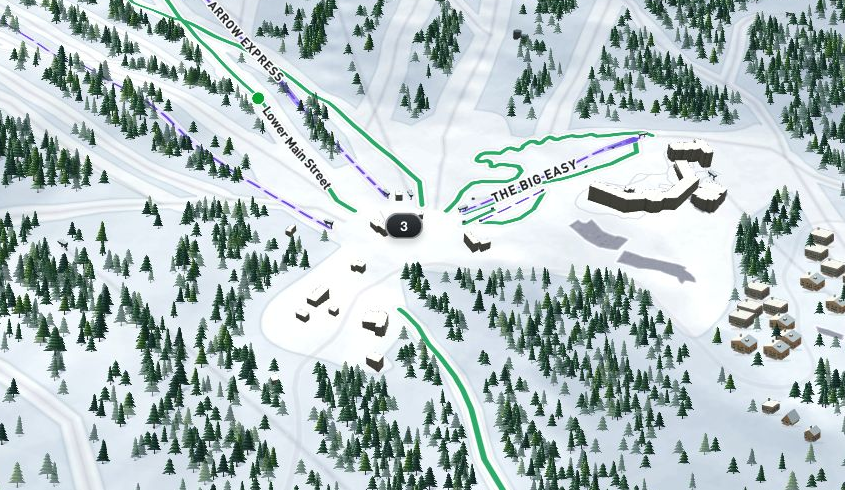
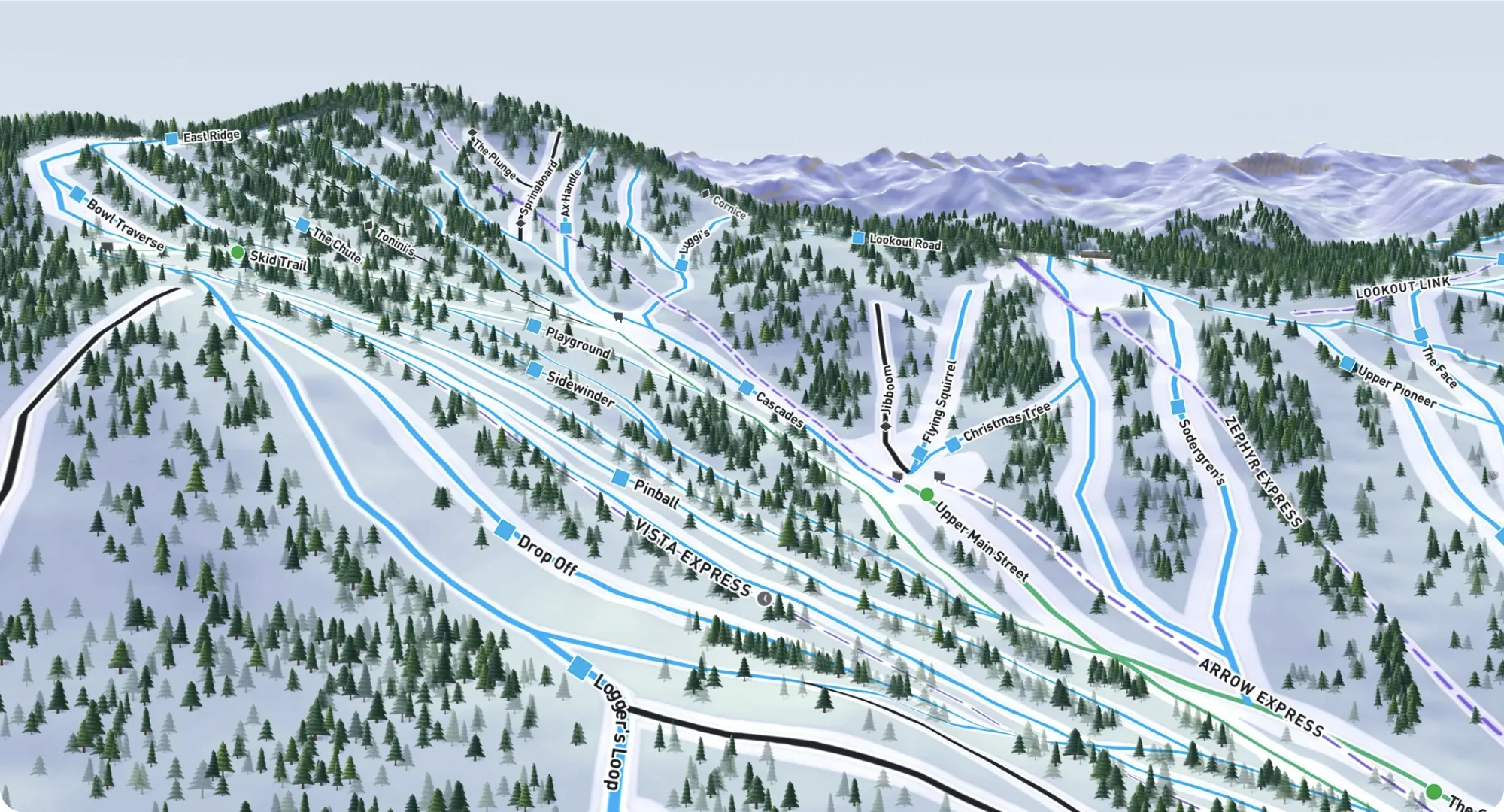
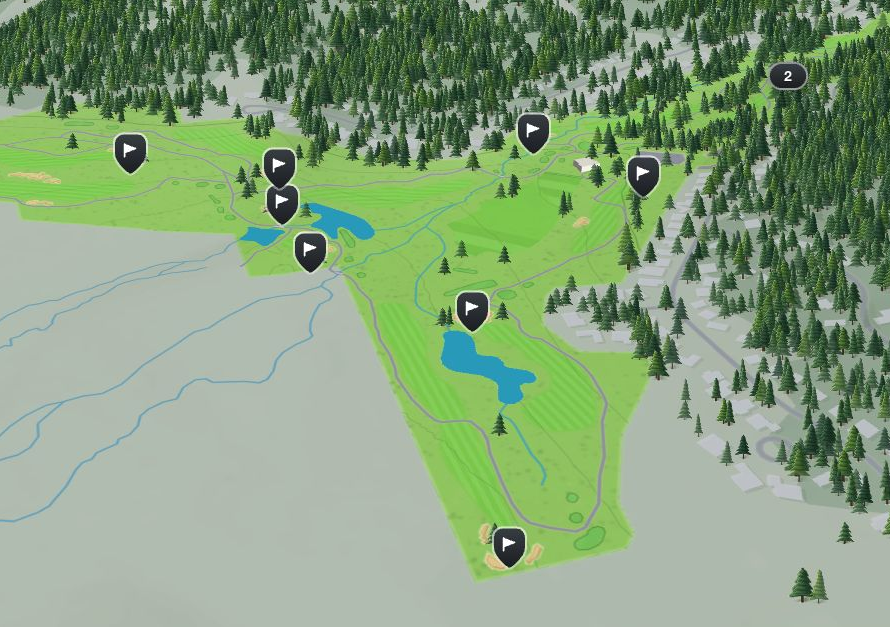


Show beginner terrain, the lifts that serve it, and useful places for a first day.
Explore curated maps with usStart with your resort already mapped.
We build your resort’s demo before we meet. Review your places, explore the live map, and see how Corvar fits your team’s workflow.
- 01
Tell us your resort name
We prepare your resort’s places and maps before the demo.
- 02
Review your resort
Explore familiar places and review the details with your team.
- 03
Choose where to share it
Plan your maps, website embeds, and supported integrations.
- 04 Open to guests
Publish when you’re ready
Your team reviews the information before guests see it.
Your team reviews and approves the information before it goes live.

See your resort
on a live map.
Your demo is built around your own resort. Explore your places and see how Corvar can help you guide guests, with nothing to prepare beforehand.
Thanks, we'll be in touch soon.